April 2025
Breath - Taking IOS app.
Overview
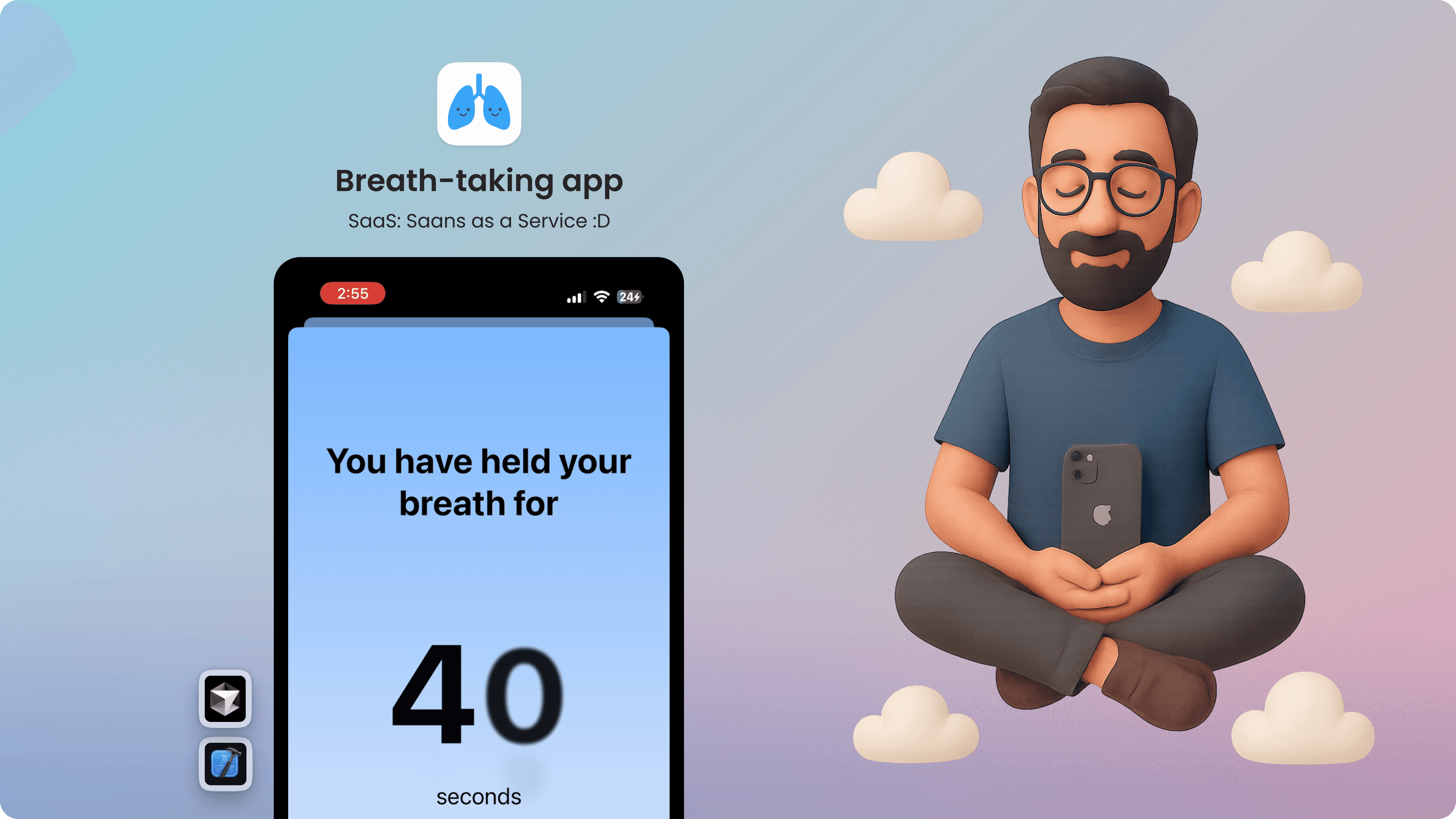
After undergoing lung surgery, I needed a calm, anxiety-free way to practice daily breath-holding exercises. Existing tools like stopwatches felt stressful and distracting. Inspired during a UX Day session, I built a personalized iOS app — designed to make breath practice simple, soothing, and trackable. Using AI tools and custom designs in Figma, I created the app in just 16 hours over a weekend — crafting a solution by me, for me.
My Goal
Design and vibe code a fully functioning IOS app to track and analyse my breath holding records.
Teach AI & inspire people to make their own apps.
Hold breath as long as possible :D
Before we start with the journey,
Take a deep breath..
Did you face any difficulty in taking a deep breath?
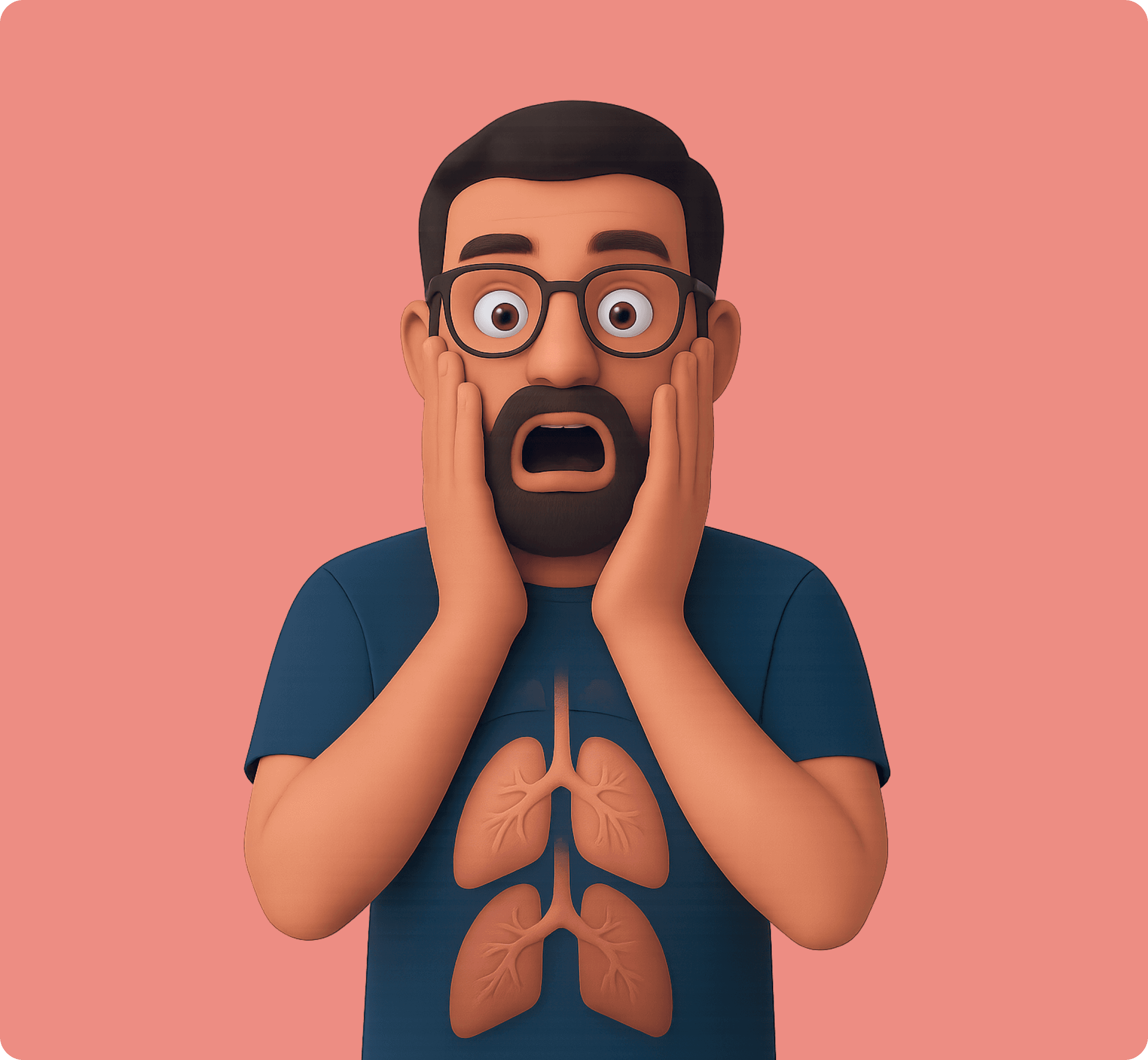
A few months ago, I discovered something unusual about myself — I had not two, but three lungs by birth. Two were functional. One non functional.
This has always silently affected my breathing.
Therefore the non-functional lung had to be surgically removed. The surgery went well, but the journey to recovery had just begun.
My doctor gave me a simple, crucial task:
Practice breath-holding every day for the next three months.
The goal? To slowly rebuild and strengthen my lung capacity — with 45 seconds of breath-holding being the benchmark for healthy lungs.
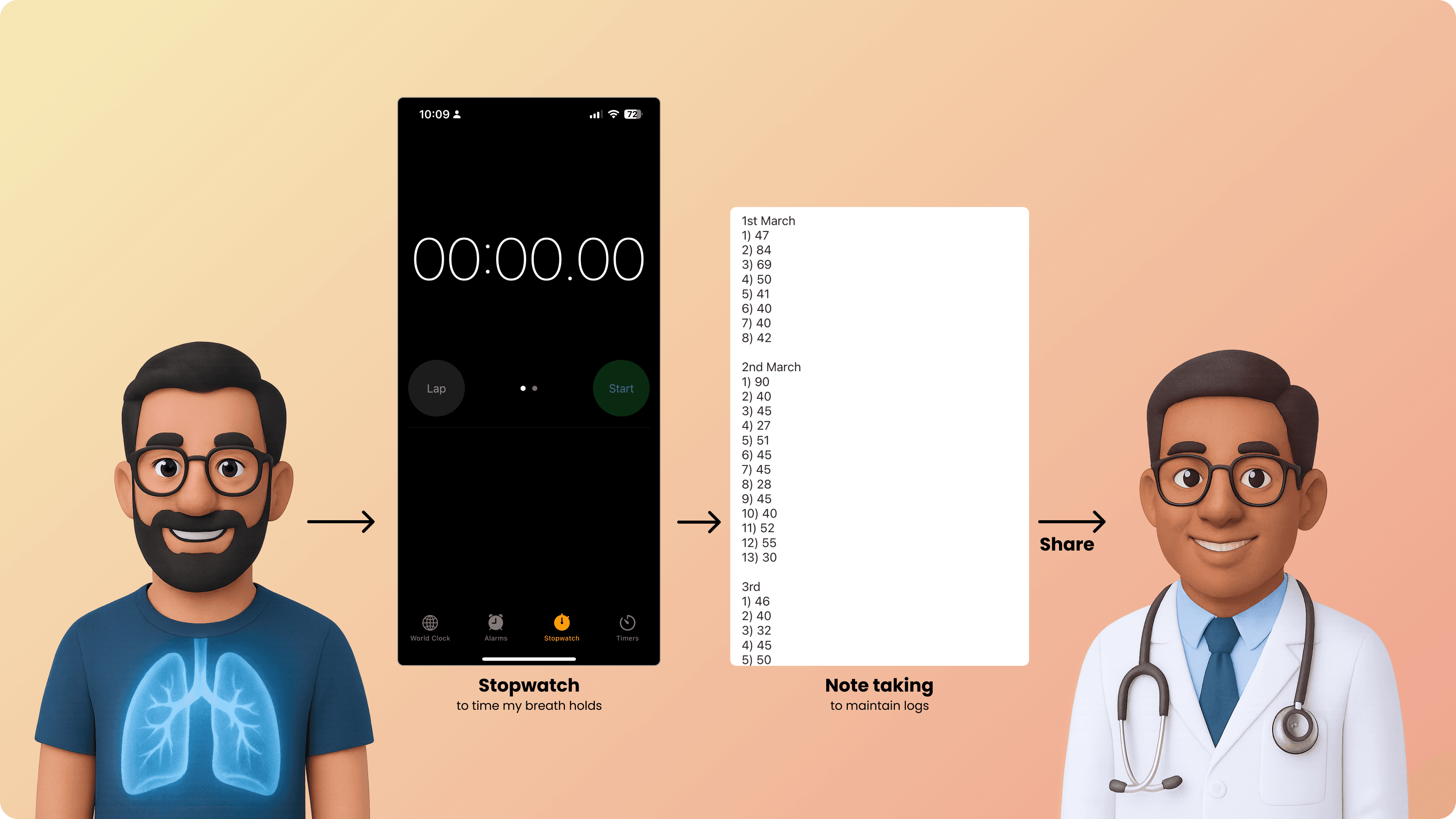
In the hospital, I crafted a daily ritual:
I used a stopwatch to measure how long I could hold my breath.
I manually logged the time into a note-taking app.
The next morning, I shared the numbers with my doctor, who tracked my progress.
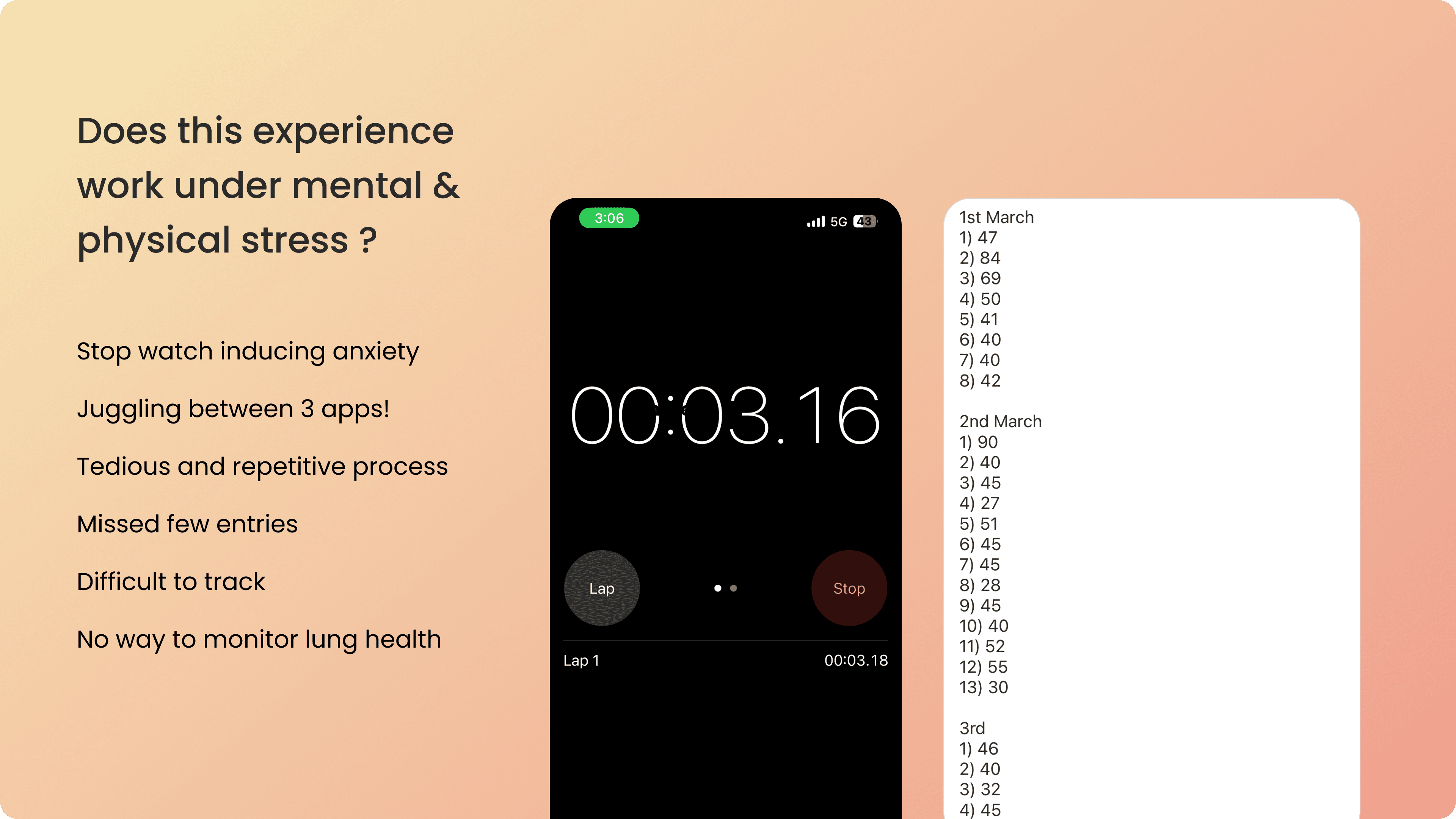
This workflow had its own challenges.
The problem wasn’t in stopwatch recording — it was in the experience itself.
Every time I tried to hold my breath, that stopwatch stared back at me — ticking relentlessly, flashing microseconds, rushing me with every passing blink.
Instead of calmness, it triggered anxiety
This workflow wasn't designed to work under mental stress. That’s when I realized — there had to be a better way.
A way to make breath-holding feel calming, not stressful. A way to track progress without feeling chased by time. And that insight became the seed for my project.
During that time, we had a UX day at Microsoft, I was inspired by Jon Friedman(who was the keynote speaker at the event). He had made an interactive presentation at the airport using Ai tool like Lovables.
So I asked myself: why not build a cohesive stopwatch, note taking and analytical tool that actually works for me
That weekend, I cleared my schedule and started building. I spent 18 hours straight — powered by coffee and curiosity — and created a working iOS app. It tracked my breath-holding in a calming, distraction-free way and saved my data automatically.
I used AI tools to handle most of the backend and logic, and designed the UI in Figma myself. It was quick, focused, and deeply personal
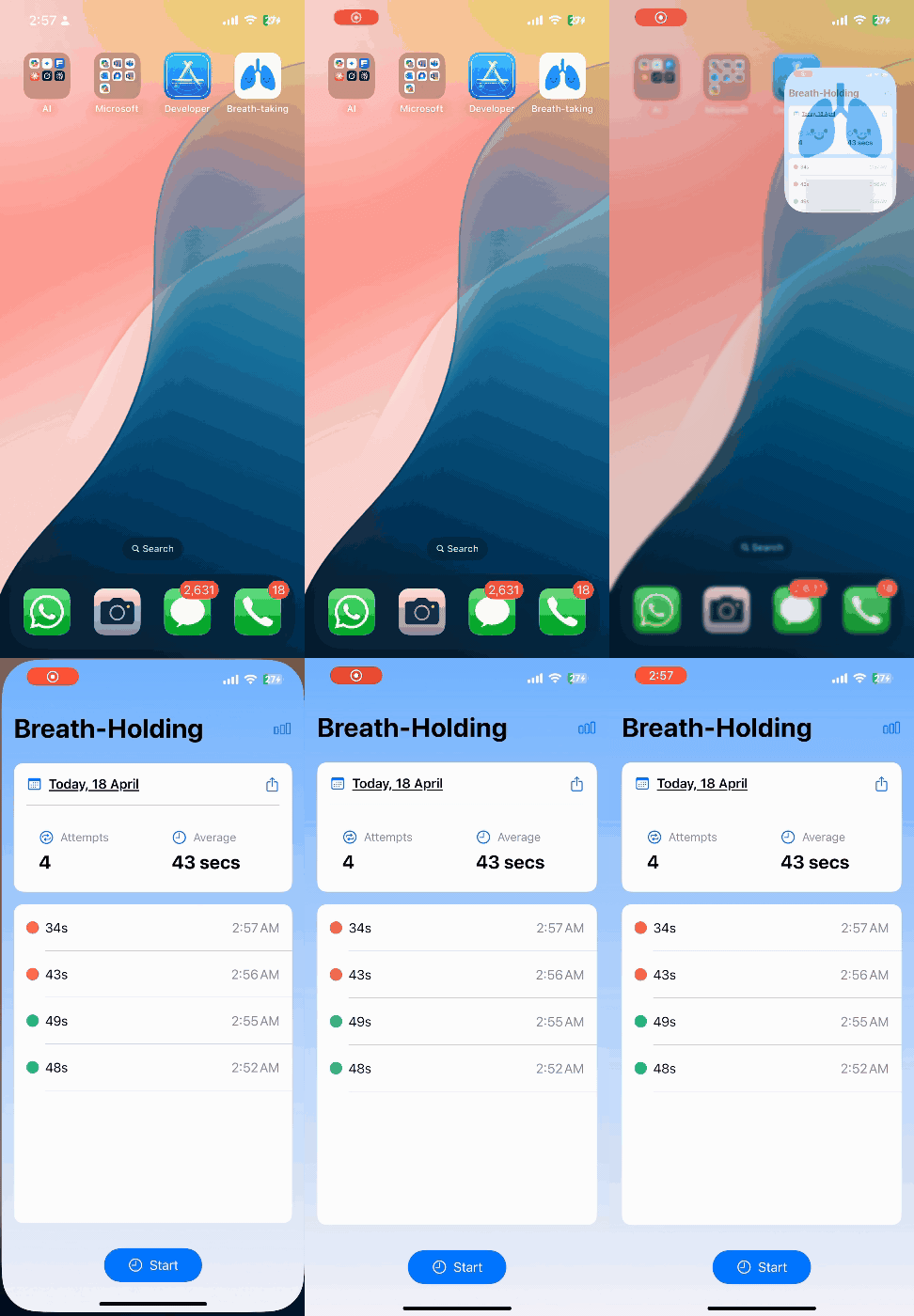
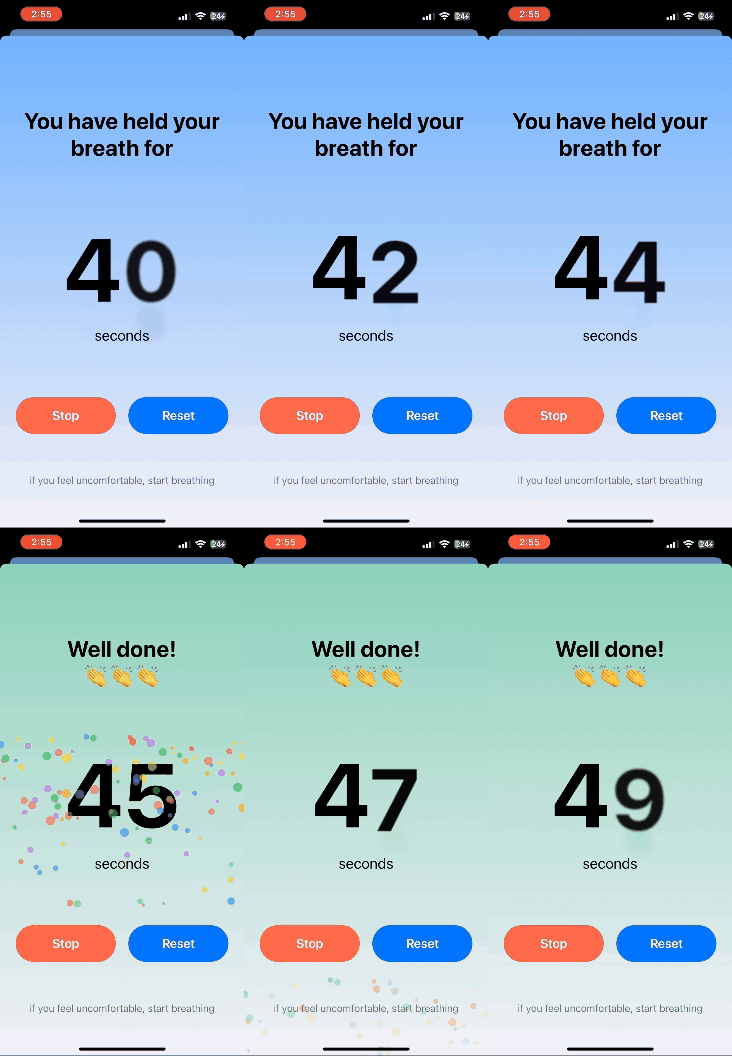
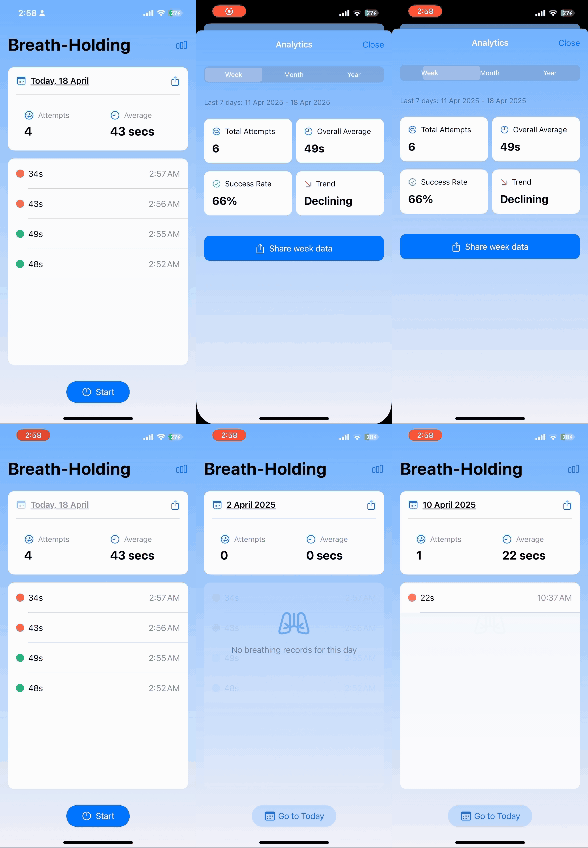
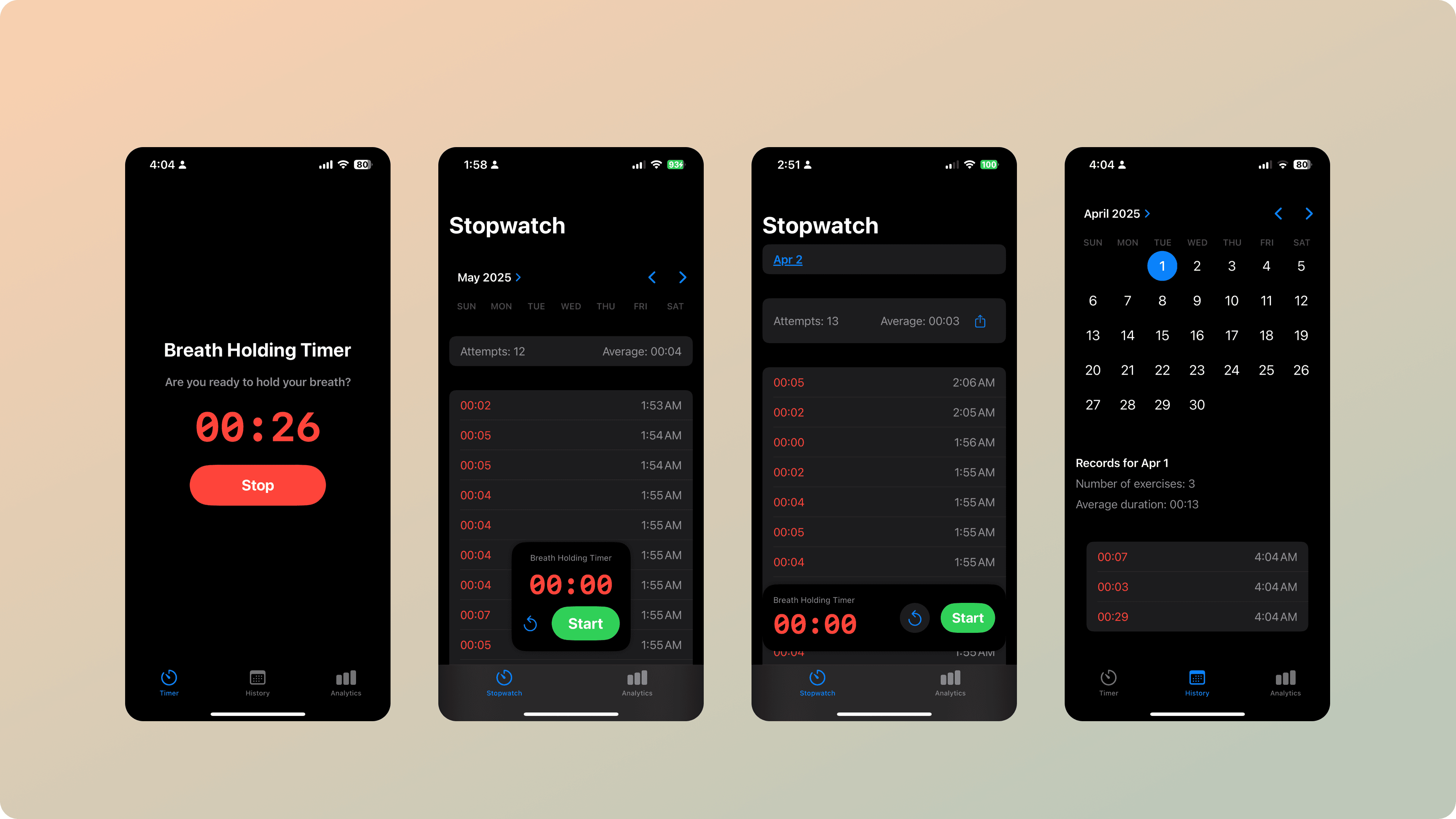
I started with very rough screens — just enough to nail the core functionality and structure. You’ll notice I was experimenting with how the stopwatch should appear: a mini-player vs. a full-view experience.
Eventually, I chose the full view — it felt more immersive and calming during breath-holding.
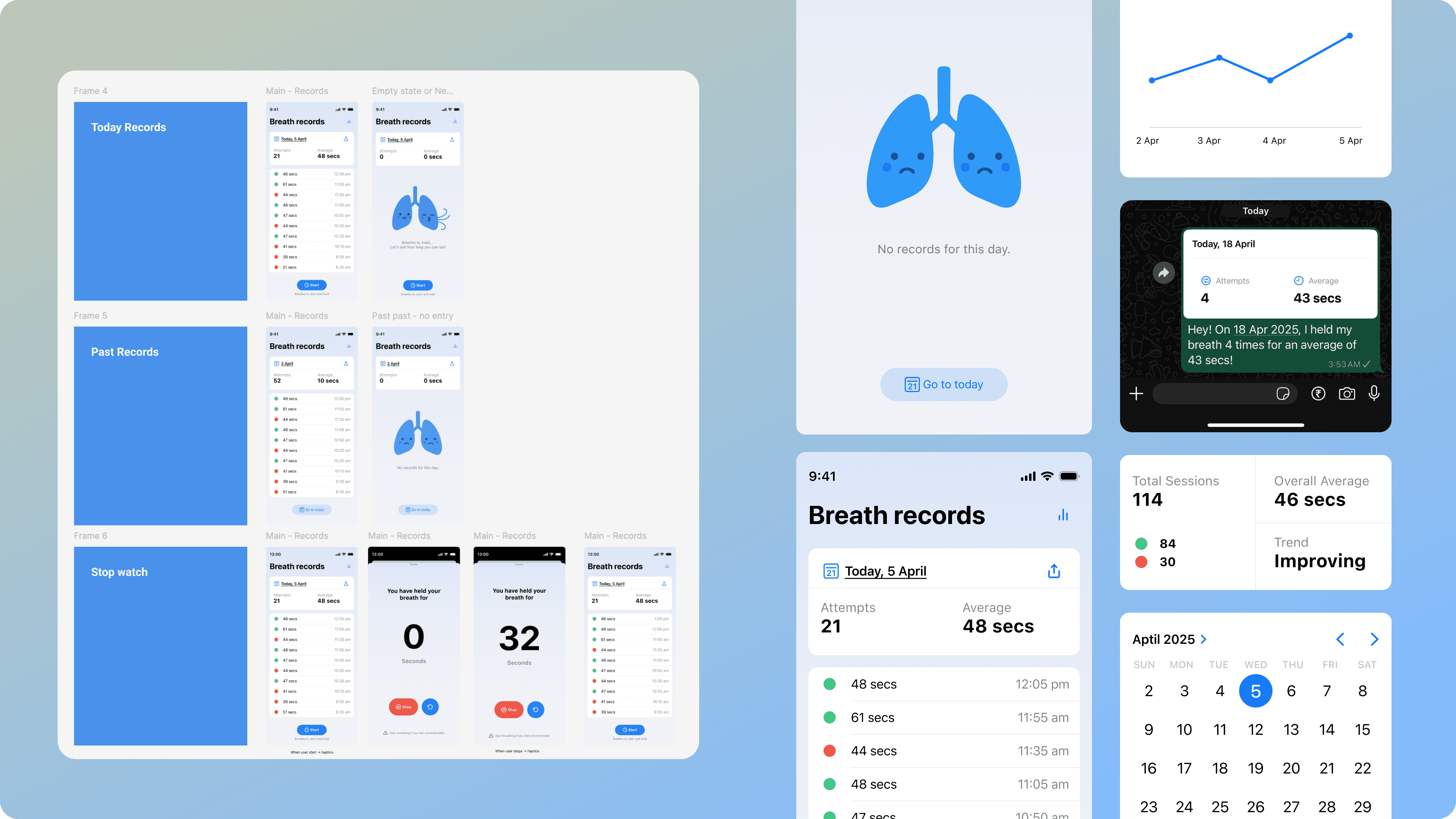
Next, I designed everything in Figma — covering edge cases, empty states, and fine-tuning how I wanted the stopwatch to feel. Using a Figma-to-Cursor plugin, I brought those designs to life and built the app exactly as I imagined.
Next Steps
Build more lungs exercises
Lottie animations – Visual clues
Reminder (Now I am forgetting to exercise)
Home screen widget
Learnings
It helped me fine-tune haptics, sounds, and micro-delights — making the app feel truly alive.
While testing, I even uncovered edge cases I hadn’t thought of, like the stopwatch stopping due to phone auto-lock at 30 secs. I fixed this by prompting the process to run in the background.
With a 50-agent limit on the free plan, I had to sharply prioritize features — mimicking real-world constraints like limited time and resources.
This felt like the best kind of usability testing — not just sharing Figma prototypes, but building something users could feel and use right away.